zk66 App: Download the APK for Android and Play Anywhere
The zk66 app brings cricket betting, live casino, Aviator crash games and fast bKash/Nagad payments straight to your Android phone. Free to install, no app store needed. File size 58 MB, Android 6.0+.
Scan with your Android phone camera to go straight to the APK download page.
How to Install the zk66 APK on Android
Android phones block APK files from outside the Play Store by default. These five steps walk you through the full process, from enabling the right setting to logging in for the first time.
-
1
Allow Installation from Unknown Sources
Open Settings → Security (or Privacy on newer phones). Find "Install unknown apps" and toggle it on for your browser or file manager. This one-time change lets your phone accept APK files directly. You can switch it off again after the zk66 app is installed.
-
2
Tap the Download Button
Return to this page on your Android phone and tap "Download APK" above. Your browser will save zk66.apk (58 MB) to your phone's Downloads folder. A stable 4G or Wi-Fi connection will finish the download in roughly 15–30 seconds.
-
3
Open the APK File
Pull down your notification shade and tap the completed download, or open your Files app and go to Downloads → zk66.apk. Your phone will show an installation screen listing the permissions the app needs. Review them, then tap Install.
-
4
Wait for Installation to Finish
Installation usually takes under 10 seconds. When the "App installed" message appears, tap Open. The app does not need any extra data packs after first install — the full game library loads from zk66 servers over your mobile data or Wi-Fi connection.
-
5
Log In or Create Your Account
If you already have a zk66 account, enter your username and password on the login screen. New players can tap Register, fill in a few details and deposit as little as ৳250 via bKash or Nagad to claim the welcome bonus. The whole sign-up takes about 2 minutes. See the registration guide for step-by-step help.
iOS Users: Add to Home Screen
- Open https://zk66.ws in Safari on your iPhone or iPad.
- Tap the Share icon (box with an upward arrow) at the bottom of Safari.
- Scroll down the share sheet and tap "Add to Home Screen".
- Name the shortcut zk66 and tap Add. It will appear on your home screen like a native app.
- Tap the icon anytime to open the full zk66 site in a full-screen web app view, with no browser toolbar in the way.
Version Details and What Your Phone Needs
The zk66 app is a lightweight native Android application. The table below lists the exact version and hardware requirements. If your phone runs Android 6.0 or later, it is compatible.
| Field | Details |
|---|---|
| App Version | 3.4.2 |
| File Name | zk66.apk |
| File Size | 58 MB |
| Minimum Android Version | Android 6.0 (Marshmallow) or higher |
| Last Updated | 3 November 2026 |
| Price | Free |
| Languages | English, Bangla |
| Platform | Android (APK direct download) |
| iOS Support | Progressive Web App via Safari (Add to Home Screen) |
| Internet Required | Yes — mobile data (3G/4G/5G) or Wi-Fi |
| Download Source | zk66.ws official site only — do not use third-party APK mirrors |
The app is not listed on Google Play Store. All updates come directly from zk66.ws. When a new version is released, the app will notify you with a banner on the home screen.
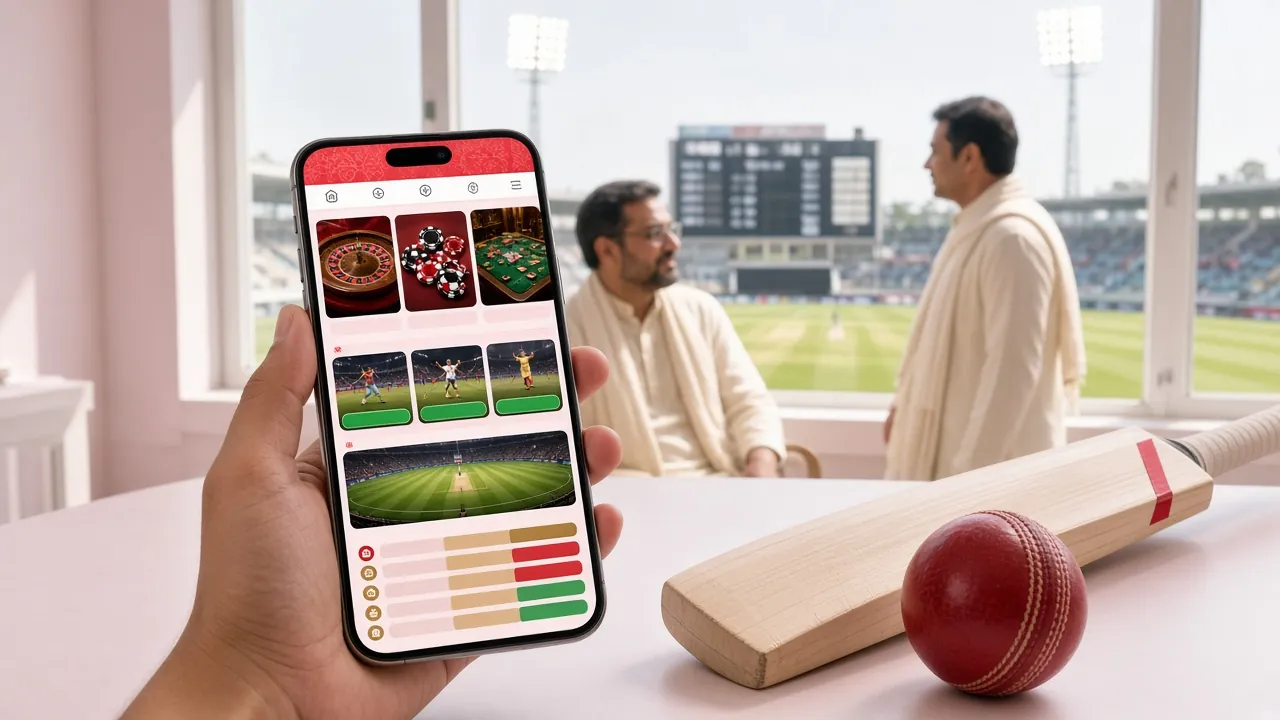
Everything Inside the App: Six Reasons to Switch
The zk66 app is not a stripped-down mobile version. It carries the full range of games and account features you get on the desktop site, plus a few extras built for phone use.
Live Cricket Betting
Bet on BPL, IPL, T20 and ODI matches ball by ball. The app updates odds in real time and lets you place in-play bets on markets like 1X2, over/under and next wicket. Notifications alert you when your pre-match bet is about to go live.
Crash & Aviator Games
Aviator, Mines and other crash-style titles run smoothly on mobile. The app keeps the multiplier graph sharp on small screens and lets you set auto-cashout so you never miss your target — even if the screen locks during a match.
Live Casino Streaming
Evolution and JILI live tables stream at up to 60 fps over 4G. Teen Patti 20-20, Dragon Gate, Diamond Tycoon and Lucky Bingo are all available inside the app. Minimum bet on most tables starts from ৳2, so you can play at any stake.
bKash & Nagad Payments
Deposits reach your account in 2 minutes and withdrawals process within 10 minutes through bKash, Nagad, Rocket and Upay — all accessible from the in-app wallet screen. Minimum deposit is ৳250, minimum withdrawal ৳1,000.
Push Notifications
Opt into match reminders, bonus deadline alerts and withdrawal confirmations. Notifications are off by default; you turn on only what matters to you in Settings → Notifications inside the app. No spam, no promotional pop-ups you haven't asked for.
24/7 Live Chat Support
Tap the chat bubble anywhere in the app to reach zk66 support staff any time of day. The same support team handles login issues, payment questions and bonus disputes. Average first response under 2 minutes during Bangladesh peak hours (6 pm–midnight).


Plus 5,600 games from Evolution, JILI, Habanero, FA Chai, CQ9 and Playtech — all playable inside the zk66 app.
Browse CasinoApp vs Browser: Which Should You Use?
Both the native Android app and the mobile browser version give you access to the full zk66 game library and account tools. The table below highlights where they differ so you can pick the right option for your phone and internet setup.
| Feature | zk66 Android App | Mobile Browser |
|---|---|---|
| Push Notifications | Yes | No |
| Loading Speed (4G) | Faster — cached assets | Standard browser load |
| Offline Lobby Browse | Yes (game list cached) | No |
| Auto Login | Yes — stays logged in | Depends on browser settings |
| Fingerprint / PIN Login | Yes | No |
| Full Game Library Access | Yes | Yes |
| bKash / Nagad Deposits | Yes | Yes |
| Live Chat Support | Yes | Yes |
| Requires Storage Space | 58 MB on device | None (runs in browser) |
| Works on iOS | APK = Android only | Yes (Safari / Chrome) |
| Updates | In-app notification, then re-download APK | Always up to date — no action needed |
Our recommendation: install the APK on Android if you bet on cricket regularly — push notifications for match starts and odds changes make a real difference. Use the browser if you prefer not to install anything or if you are on an iPhone.
Permissions the App Requests — and Why
The zk66 APK only asks for the permissions it genuinely needs. Here is what each one is for.
Internet Access
Required to load games, stream live casino tables, process bKash/Nagad payments and connect to live chat support. The app does not function without an active connection. No data is sent to any third party outside of zk66's own payment processors.
Push Notifications
Lets the app send match reminders, bonus alerts and withdrawal confirmations. Android 13+ will prompt you to approve notifications on first launch. You can decline and still use all features; notifications are entirely optional and configurable in Settings.
Biometric Authentication
On Android 9+ the app can use your fingerprint or face recognition to log you in without typing a password. This feature is opt-in; it stores your preference locally on the device and does not upload any biometric data to zk66 servers.
SSL Encryption & APK Integrity
All traffic between the app and zk66 servers is encrypted with TLS 1.3. The APK file is signed with a certificate tied to zk66.ws — your phone verifies this signature during installation. Only download from zk66.ws; third-party APK mirrors may distribute modified files.
Get the APK: Direct Download
Scan to download on Android
No account is required to download the APK. You need an account to place bets. Create a free account in under 2 minutes. Already have one? Log in here.
Installation Problems? Here Is What to Check
Most APK installation failures come from one of five common causes. Find your issue in the table, follow the fix and the app should install within a minute.
| Problem | Likely Cause | How to Fix It |
|---|---|---|
| "Install blocked" message | Unknown sources permission is turned off for your browser or file manager | Go to Settings → Security → Install unknown apps, find the browser you used to download the file, and switch it on. Try the installation again. |
| App installs but crashes immediately | Incomplete APK download — file may be corrupt or truncated | Delete the existing file from Downloads, check that you have a stable internet connection, then download zk66.apk again from zk66.ws. Do not resume a failed download. |
| "Package appears to be corrupt" | Downloaded from a third-party mirror with a modified or outdated APK | Only use the download link at zk66.ws/zk66-app/. Delete any existing zk66 APK files and start a fresh download from the official source. |
| APK download does not start | Browser is blocking the direct download link, or storage permission is denied | Switch to Chrome on Android. If Chrome blocks it, tap "Keep" when prompted. Check that Chrome has Storage permission in your phone's app settings. Then try the download again. |
| Login works but games fail to load | Weak mobile data signal or VPN interference | Switch from mobile data to Wi-Fi, or disconnect your VPN. If the issue persists, force-close the zk66 app, clear its cache (Settings → Apps → zk66 → Clear Cache) and reopen it. |
Still stuck? Open Live Chat inside the app or email [email protected]. Support is available 24/7 and can walk you through the fix in real time.
Common Questions About the zk66 App
Is the zk66 APK safe to install?
Why is the zk66 app not on Google Play Store?
How do I update the zk66 app to a newer version?
Can I use the same account on the app and the browser?
What if I get a "Parse error" during installation?
Does the zk66 app work on tablets?
How do I deposit via bKash inside the app?
Download and play today
The app is free, 58 MB and takes about 30 seconds to install. Your account and wallet work instantly after you log in.